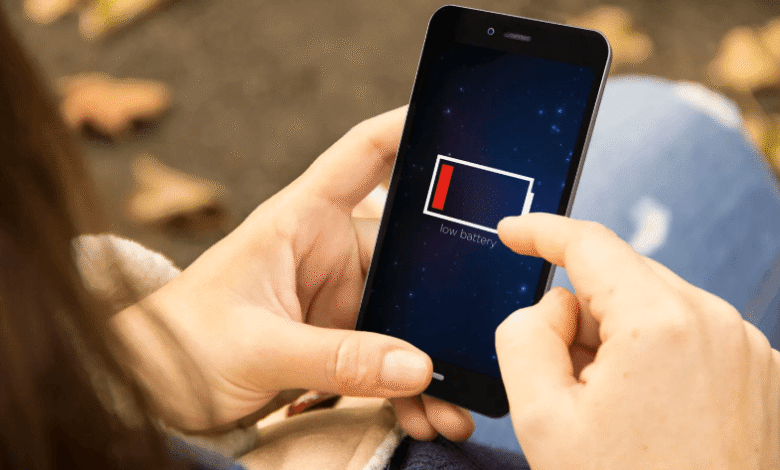
Most modern smartphones use lithium-ion batteries. These batteries hate extremes: they do not like being completely drained to 0%, nor do they like being constantly charged to 100%.
They perform best in the middle of the spectrum. The sweet spot is plugging your phone in at around 20-30% and unplugging it when it hits 80-90%.
This doesn’t mean you can never fully charge your phone. Hitting 100% before a long trip or a busy day is fine. The goal is simply to avoid making it a daily habit.
Stop Letting Your Phone Die Completely
A common myth is that you need to periodically drain your smartphone to zero to “calibrate” it. While this made sense for older battery types, modern batteries work entirely differently.
Regular deep discharges actually speed up wear and tear. If your phone frequently shuts down because it is out of juice, the battery takes on unnecessary stress.
If you want to extend your device’s lifespan, start with a simple rule: don’t wait for it to die. Plug it in earlier.
The Problem with Sitting at 100%
When a smartphone stays fully charged for long periods, the battery experiences higher voltage stress. This is especially true if you leave your phone plugged in overnight.
While modern devices have built-in protections against overcharging, sitting at maximum capacity still strains the battery. Because of this, you should enable optimized charging if your phone offers that feature. For people who use their phones for entertainment, including betting via 22Bet or checking your instagram during a break, keeping the battery in good condition also helps avoid unnecessary interruptions.
Additionally, avoid charging your phone under a pillow, in direct sunlight, or inside a thick case if you notice the device getting warm.
Heat Is the Ultimate Battery Killer
High temperatures are a battery’s worst enemy. Your smartphone can heat up during intense gaming, fast charging, video recording, GPS navigation, or simply sitting in the sun.
If your device gets hot, give it a break. Take off the case, close demanding apps, and avoid using the phone heavily while it is plugged in. The less your battery overheats, the longer it will retain its original capacity.
Use Fast Charging Wisely
Fast charging is incredibly convenient when you need power in a hurry. The technology itself is not inherently dangerous, provided you use a high-quality adapter and cable.
Issues only arise when fast charging consistently causes severe overheating — for example, if you are fast-charging, gaming, and keeping the phone in a thick case all at the same time.
For everyday use, a standard charger is gentler on your battery. Save the fast charger for situations where you actually need the speed.
Maximizing Battery Life on an iPhone
iPhone users should take advantage of built-in iOS features. If you want to prolong your iPhone’s battery, start by checking the Battery Health section in your settings.
Here, you can view your battery’s maximum capacity and gauge its overall wear. You should also turn on Optimized Battery Charging, which reduces the amount of time your iPhone spends sitting at 100%.
For further optimization, you should:
- Use MFi-certified or high-quality cables and power adapters
- Keep Auto-Brightness turned on
- Restrict location services for apps that don’t need them.
- Turn off non-essential push notifications
- Keep your iPhone out of extreme heat
If your battery’s capacity has degraded significantly, software tweaks will only do so much. At that point, getting a replacement is the most effective solution.
Simple Settings to Save Daily Power
The less frequently you need to charge your smartphone, the slower the battery degrades. Therefore, it makes sense to optimize your phone so it doesn’t waste energy.
Here are a few quick adjustments you can make:
- Lower your screen brightness
- Enable automatic brightness adjustment
- Shorten the screen timeout duration
- Switch to dark mode
- Disable unnecessary push notifications
- Limit background app activity
- Only allow location access for apps that truly require it
These simple tweaks help your phone last longer on a single charge, ultimately reducing the overall strain on the battery over time.
Keep an Eye on Background Apps
Some applications continue to drain power even when you are not actively using them. Common culprits include social media, navigation tools, games, video streaming services, and messaging apps with constant location access.
Open your battery settings to see which apps are consuming the most energy. If a program is draining power for no obvious reason, restrict its background activity or delete it entirely. This is a great step to take if you want to fix battery drain without having to buy a new device.
Stop Swiping Away All Your Apps
No need to constantly clear all apps from your multitasking menu. Modern iOS and Android operating systems are incredibly efficient at managing memory and background processes on their own.
However, if a specific app freezes, causes your phone to heat up, or starts draining the battery rapidly, manually closing and restarting it is the right move.
Just don’t make clearing apps a compulsive habit. Relaunching a heavy app from scratch often consumes more energy than simply letting it sit idly in the background.
Knowing When It’s Time for a Replacement
Even with perfect care, every battery eventually ages. Sometimes, settings and habits are no longer enough, and replacing the battery becomes the only real solution.
Signs of severe battery degradation include:
- The smartphone draining unusually fast
- The device shutting down abruptly at 10-30% charge
- The battery percentage jumping erratically
- The phone getting noticeably warm even when not in use
- The battery physically swelling (which may push the screen up)
- The system reporting a low maximum capacity
If you are still happy with your phone’s speed and features, getting a fresh battery is a far more cost-effective choice than buying a brand-new device.
The Bottom Line
Keeping your battery healthy doesn’t require obsessive management. Avoid overheating, stop draining the phone to zero, avoid keeping it pinned at 100% all the time, and stick to high-quality chargers.